How to Protect Data on Public Wi-Fi Networks
Using public Wi-Fi networks may maintain your internet connection, but it can expose your personal data to risks. To protect yourself and your personal data while using public Wi-Fi networks, here are some important ways:
- Use a secure connection: Ensure that you are connected to a secure Wi-Fi network and not to open and unsecured networks. Use networks with protections like WPA or WPA2 to prevent access to your personal data.
- Avoid sensitive actions: Try to avoid performing sensitive actions such as disclosing personal information, passwords, or credit card details when connected to a public Wi-Fi network.
- Use a VPN: Using a Virtual Private Network (VPN) may protect your personal data and make it harder for eavesdroppers to see or access them.
- Update your software: Ensure that all software on your mobile device is updated to reduce the risks of system breaches.
- Use HTTPS connection: Make sure you are using websites that use secure HTTPS connections to protect your privacy while using public Wi-Fi networks.
By following these tips, you can ensure that your personal data is protected while using public Wi-Fi networks and continue to enjoy fast and convenient internet connection.
How to Use VPN for Data Protection
When using public Wi-Fi networks, it is important to remember that your personal data may be at risk. A solution to protect personal data while using public Wi-Fi networks is to use a VPN.
Using a VPN will protect your personal data on public Wi-Fi networks
Elizabeth Cohen – Cybersecurity Specialist
VPN stands for Virtual Private Network, and it is a secure tool that allows you to create an encrypted and secure connection to the internet. When using a VPN, all your data is encrypted and protected from possible intrusions.
To use a VPN for protecting your data on public Wi-Fi networks, you need to download and install a VPN application on your device. After installing the application, you should connect to a VPN server and activate the encrypted connection.
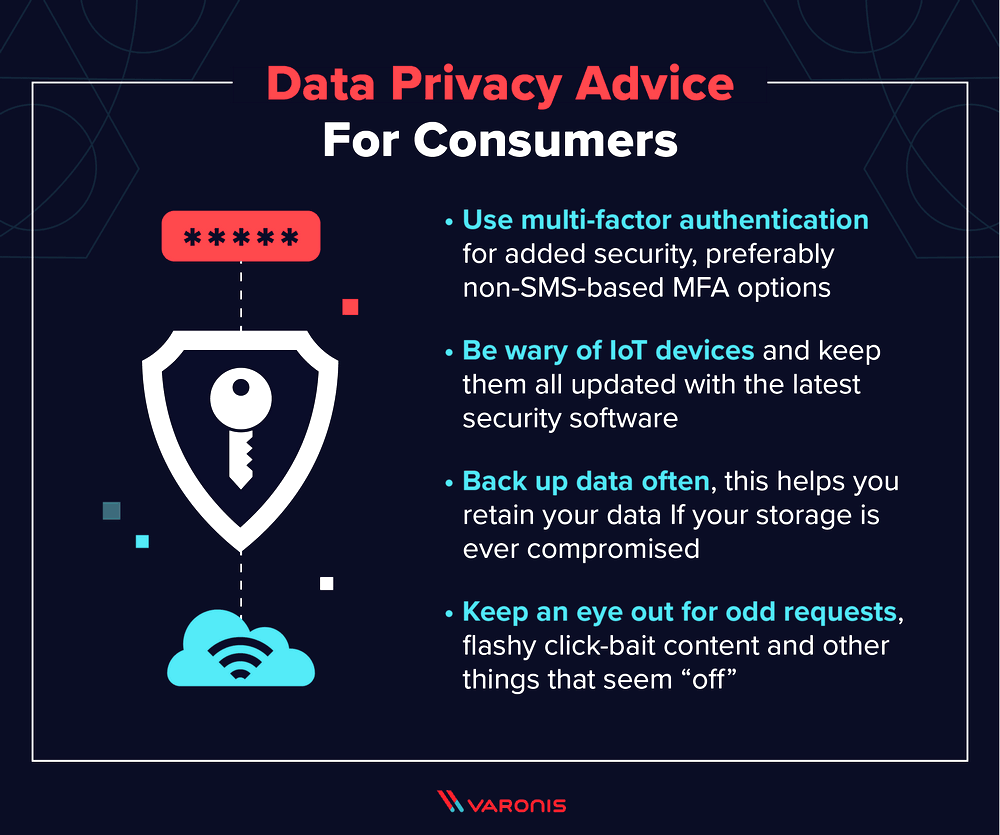
While using a VPN, you may notice that your internet speed may be slightly affected. This is because your data will pass through VPN servers and therefore may be a bit slower than usual.
To improve the performance of your VPN, you can try selecting a VPN server close to you to preserve the speed as much as possible. Additionally, you can use a VPN even when using private Wi-Fi networks to ensure your privacy in those places as well.
After using the VPN, remember to disconnect the connection and close the application to prevent unauthorized exploitation of your VPN connection. This way, you can ensure the protection of your data and use public Wi-Fi networks securely and safely.
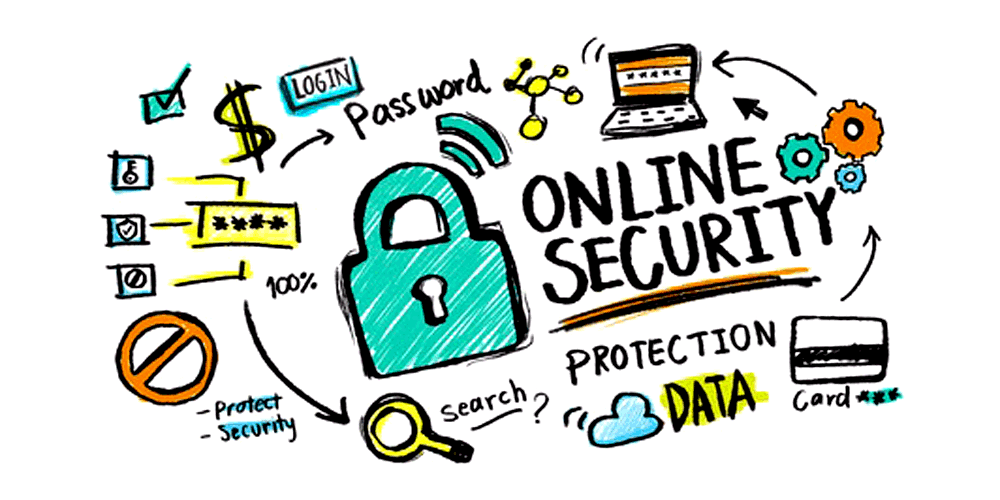
How to Use Secure Connections on Public Networks
In the advanced technology era, connecting to public Wi-Fi networks has become common and widespread. However, we must always remember that this connection may expose our personal data to risks. This does not mean we should give up using public networks, but we should take steps to protect our privacy.
Here are some ways to use secure connections on public networks:
It is always better to use complex passwords and not use the same passwords on different networks
David Cohen – Information Security Expert
- Use secure connections – Always try to use Wi-Fi networks that offer secure encryption like WPA2. Connections to open networks may be less secure and not recommended for sensitive data usage.
- Avoid sensitive actions – Try to avoid performing sensitive actions over public Wi-Fi connections, such as transferring money or accessing your bank account.
- Update software – Ensure that the software on your device, including antivirus and up-to-date operating system versions, is installed and updated to reduce cyber attack risks and data theft.
- Use a VPN – Use VPN services to encrypt your data and protect them from risks.
- Avoid automatic connections – Try to avoid automatic connections to public Wi-Fi networks and choose to connect manually to each network you join.
By following these tips and safety guidelines, you can use public Wi-Fi networks safely and protect personal data efficiently.
How to Deal with Risks When Using Public Wi-Fi Networks
When using public Wi-Fi networks, it is important to pay attention to protecting your personal data. Here are some ways to help you deal with risks and maintain your privacy on these networks:
Investing in cybersecurity and information security also includes protecting personal data on public Wi-Fi networks
Rachel Levi – Cybersecurity Specialist
- Use a VPN: Using a Virtual Private Network (VPN) protects your data and safeguards your privacy while using public Wi-Fi networks.
- Update software: Ensure that your software, including antivirus and up-to-date operating system versions, is installed and updated.
- Avoid using sensitive data: Try to avoid using sensitive data and private information on public Wi-Fi networks and keep them for private networks.
- Establish a secure connection: Ensure that your connection to the public Wi-Fi network is secure and encrypted to prevent access to your data.
- Safely register on websites: Do not use credit card details or sensitive passwords on public Wi-Fi networks.
Overall, be cautious and take necessary steps to protect your personal data when using public Wi-Fi networks. By avoiding risks and maintaining your privacy, you can enjoy a more secure network experience.
How to Encrypt Your Data on Public Wi-Fi Networks
When connecting your device to a public Wi-Fi network, remember that your data may be at risk of exposure to unwanted individuals. To protect your privacy and prevent data theft, it is advisable to take certain steps when using public Wi-Fi networks.
Here are some ways to encrypt your data on public Wi-Fi networks:
- Use a Virtual Private Network (VPN) – This tool adds an additional layer of protection to your connection, allowing you to encrypt your data and maintain privacy while using public networks.
- Regularly update your software and applications – Ensure that the software and applications on your device are up to date to prevent breaches of your operating system.
- Avoid performing banking or important actions on public Wi-Fi networks – To prevent privacy breaches or sensitive information disclosure to scammers, it is advisable to refrain from performing banking or important actions such as shopping on public networks.
- Activate airplane mode on your device – If you do not need internet connection on a public network, it is advisable to enable airplane mode to prevent your device from being exposed to potential intrusion when not in use.
In conclusion, always stay away from risky public Wi-Fi networks when performing sensitive actions online and use tools and protections such as VPN and software updates to protect personal data and maintain privacy on public Wi-Fi networks.