1. Risks of Personal Data Exposure on the Internet
Exposing personal data online can lead to multiple and severe risks. One of the main risks is security breaches, where attackers can gain access to users’ private information. Security breaches can result in exposure of personal details such as names, addresses, phone numbers, and financial information.
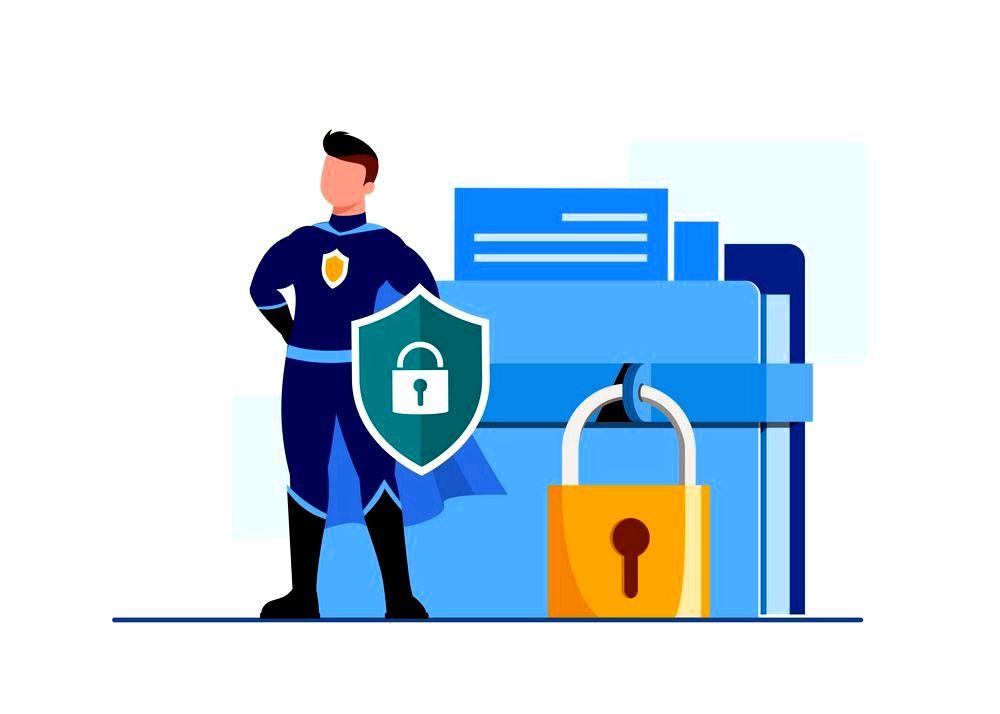
Other risks include unauthorized access to personal data, use of data for non-serious promotional or marketing purposes, and even using data for criminal activities like identity theft or phishing.
2. Creating Secure Passwords and Enforcing Their Use
A website password is the first gate to your personal information online. It is advisable to keep strong and complex passwords to prevent access to sensitive and private information. Here are some basic principles for creating secure passwords and enforcing their use:
Posting personal details responsibly can avoid risks online
Dorit Cohen – Internet Safety Specialist
- Choose a strong and complex password of at least 8 characters, including uppercase and lowercase letters, numbers, and special characters.
- Avoid using easy passwords like birthdates or simple passwords like “123456” or “password”.
- Change your passwords regularly, at least twice a year.
- Do not use the same password for different websites to prevent access to your personal information in case of a breach.
- Use authentication options such as tokens or two-factor authentication to enhance security.
- When using public computers or wireless networks, do not save passwords on the computer or browser.
After creating the password, it is important to enforce its use by regularly updating it and activating identification options such as token support or two-factor authentication. This way, you can protect your personal information safety and prevent access by third parties.
Tips for Protecting Against Phishing and Account Access Attacks
1. Be cautious and do not open files or click on dangerous links sent in emails or text messages on social networks.
2. Make sure the website address you are entering starts with HTTPS and has a purple symbol next to it, indicating enhanced security.
3. It is advisable to update and change the passwords for your online accounts regularly, and not to disclose your personal details to unfamiliar individuals.
4. Avoid sharing personal details such as ID numbers, phone numbers, or residential addresses online or on social networks, only with people you know personally and trust.
5. Use additional security solutions such as security gloves or updated anti-virus software to protect your devices from attackers and access attacks.
Recommended Devices for Privacy Protection Online
In the modern world, where almost all our actions are done online, the importance of maintaining online privacy becomes more crucial than ever. Therefore, it is important to use devices and software designed to protect our privacy online.
Personal information is like the key to a gate – it’s better to keep it in a safe place
Aviv Cohen – Information Security Specialist
Here is a list of recommended devices for maintaining privacy online:
- VPN – a private virtual network that allows you to surf the internet anonymously and securely.
- Complex passwords – use long and complex passwords to protect your online accounts.
- Cloud backup – backup your important data in the cloud to prevent data loss in case of a breach or technical failure.
- Anti-virus software – install anti-virus software to prevent malicious attacks and damages to your computer.
- Cellular data room – use a cellular data room to protect your passwords and sensitive information from breaches.
By using these devices and software, you can maintain your online privacy and be safe from online threats and account breaches.
Using a Virtual Network and Other Tools for Privacy Preservation
Internet usage is an integral part of our daily lives, but we must always remember that privacy is very important. When browsing the internet, we are exposed to various dangers that can compromise our privacy. To protect ourselves and preserve our privacy online, there are tools and techniques that can help us.
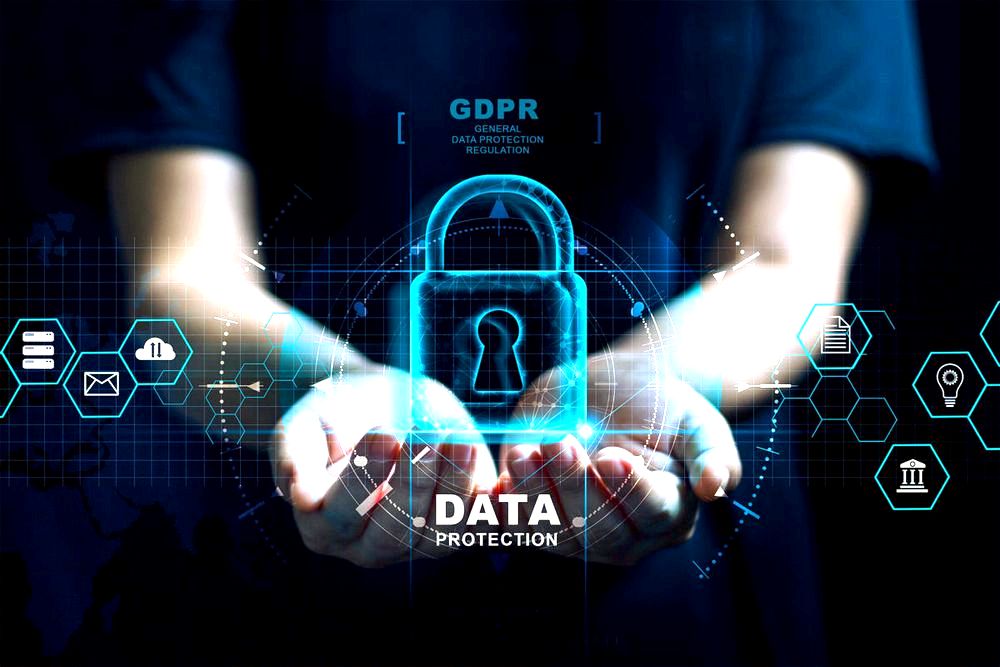
Here are some basic principles for preserving privacy in the virtual network:
- Use complex passwords and change them every few months.
- Do not disclose personal information about yourself on unreliable websites.
- Use anti-virus and anti-spam software to prevent unwanted approaches.
- Avoid suspicious links or unfamiliar websites.
- Consult with a trusted computing expert.
We must always remember that privacy is our basic right and we need to protect it in every possible way. Taking the right actions and using appropriate tools will help us maintain our privacy in the virtual network.
Recommended Plans for Backing Up Important Data
In today’s modern world, the importance of backing up important data cannot be overstated. Sometimes we encounter issues like account breaches, viruses, and even data theft. Therefore, it is very important to know the recommended backup plans for important data and use them properly.
Privacy protection is part of internet security
Dana Levi – Network Security Specialist
Here are some leading backup programs that can help you keep important data safe and efficient:
- Google Drive: Google’s excellent backup service that allows you to store files in the cloud and access them from any device easily and conveniently.
- Dropbox: Another popular cloud service that provides ample storage space and the ability to share files with others easily.
- OneDrive: Microsoft’s backup service that allows you to store files in the cloud and access them from any device easily and conveniently.
- iCloud: Apple’s cloud service that allows users to store and back up their data securely.
Choosing the right plan depends on your personal needs and the type of data you want to back up. Remember, it’s better to be prepared and back up your data rather than deal with unexpected data loss.